01
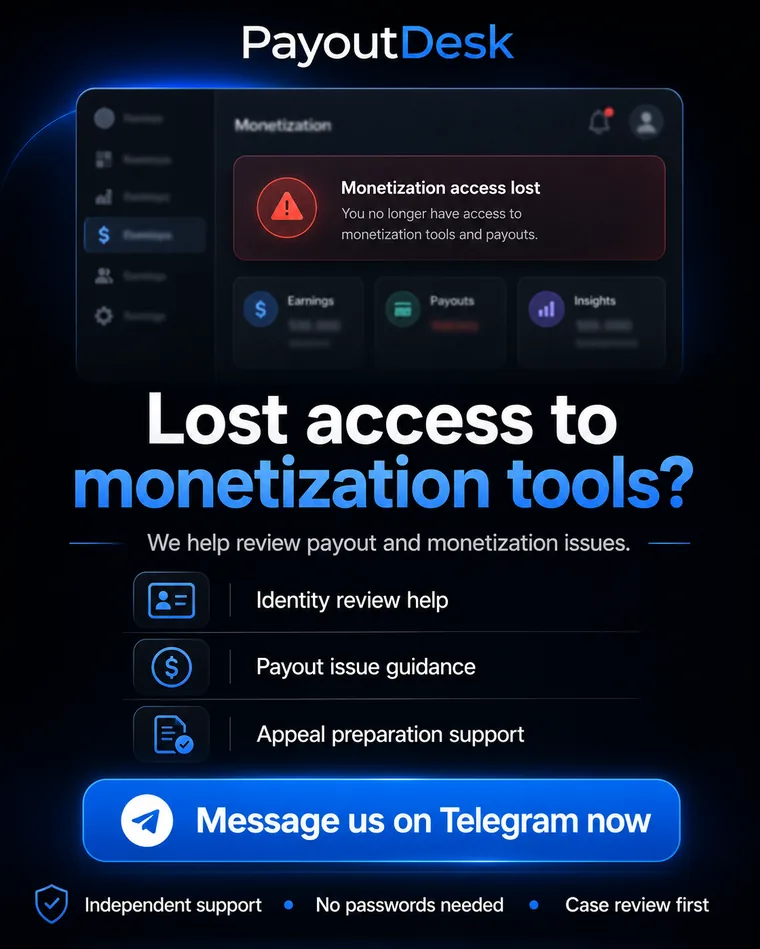
Monetization access lost
For creators who see “lost access”, “no longer earning”, or monetization tools disabled. We review the profile status and prepare the case path.
PayoutDesk helps creators and page owners understand common payout, identity, financial account, and monetization access issues before sending a support request or appeal.
For creators who see “lost access”, “no longer earning”, or monetization tools disabled. We review the profile status and prepare the case path.
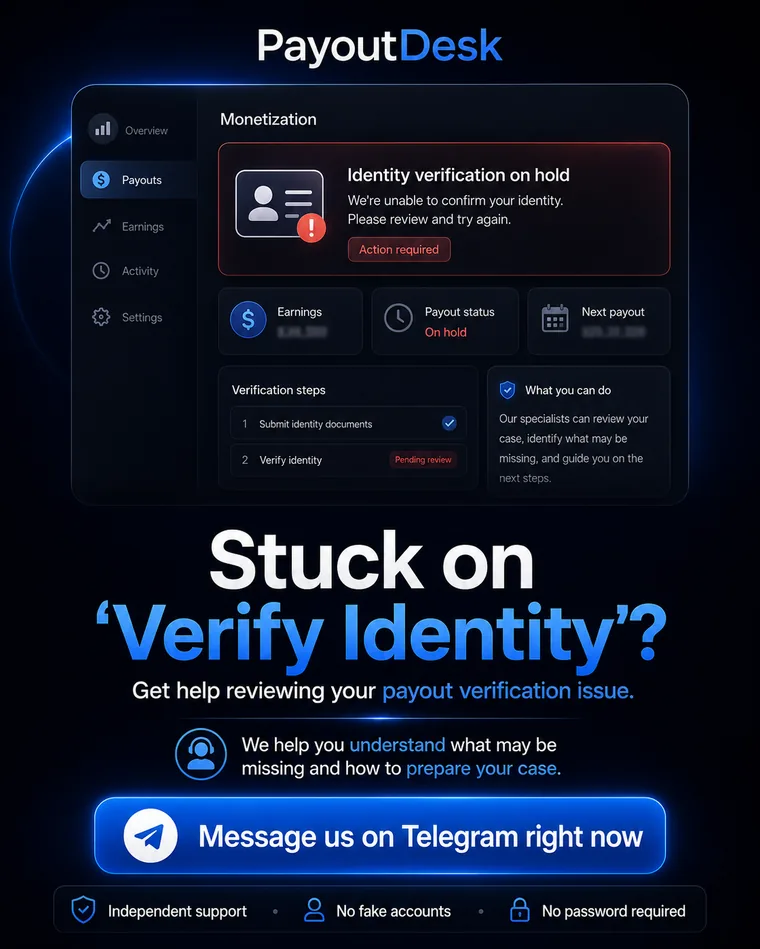
For payout accounts stuck on identity confirmation, document mismatch, name mismatch, or repeated verification failure.
For earnings visible in the dashboard but payment transfer stuck, paused, delayed, or waiting on financial account review.
For payout accounts showing country, entity, bank, tax, or account-holder restrictions that need careful review.
For cases where connected pages, businesses, third-party providers, or financial entities appear to trigger policy issues.
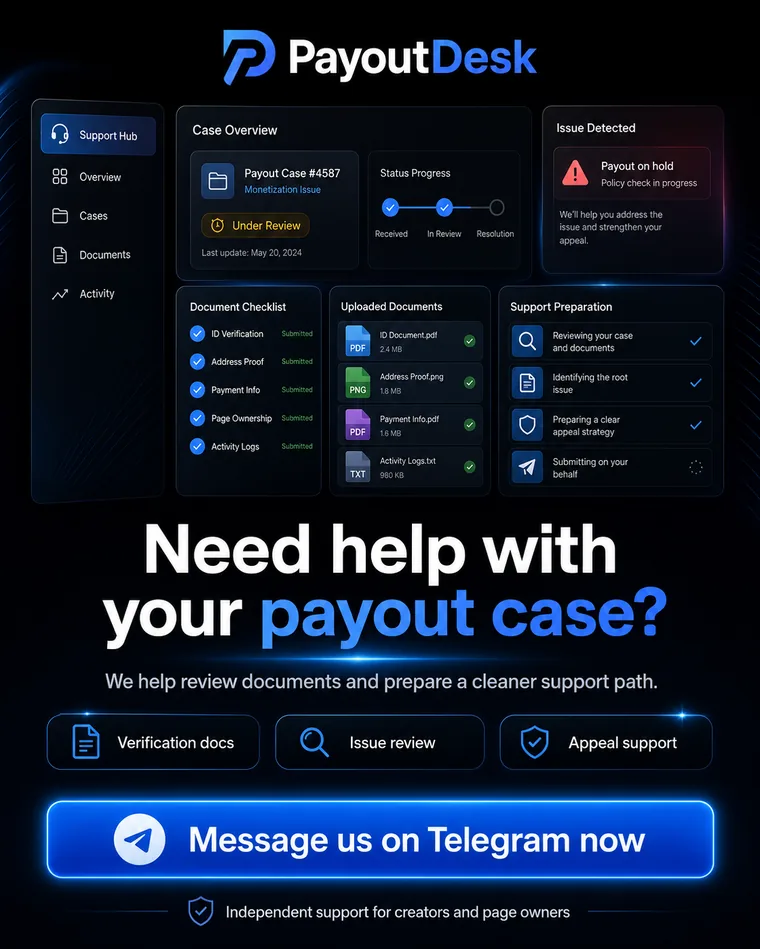
For users who need a cleaner explanation, a document checklist, and a support request that is easier to understand.
Each case is reviewed based on visible screenshots, timeline details, and the information the user chooses to provide.
When the account shows a monetization access warning, the first job is to understand the restriction type. We review visible policy notes, account status, page/profile health, and what the user has already tried.
Many payout cases are blocked because the payout holder, ID document, address proof, payment profile, or tax information does not align. PayoutDesk turns that into a clear checklist.
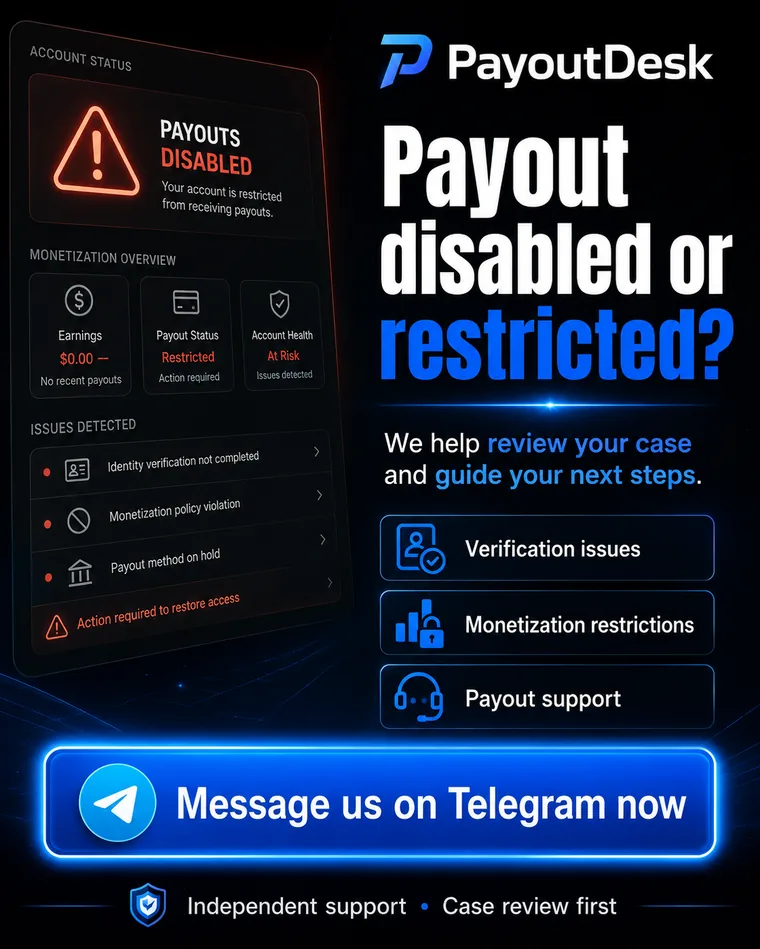
When payout status is restricted, clients often do not know whether the blocker is tax, payout method, financial account, security review, or monetization eligibility. We map the case and guide the next step.
Instead of sending random screenshots or short angry messages, the user gets a structured support request: issue type, timeline, affected payout entity, relevant documents, and requested review.
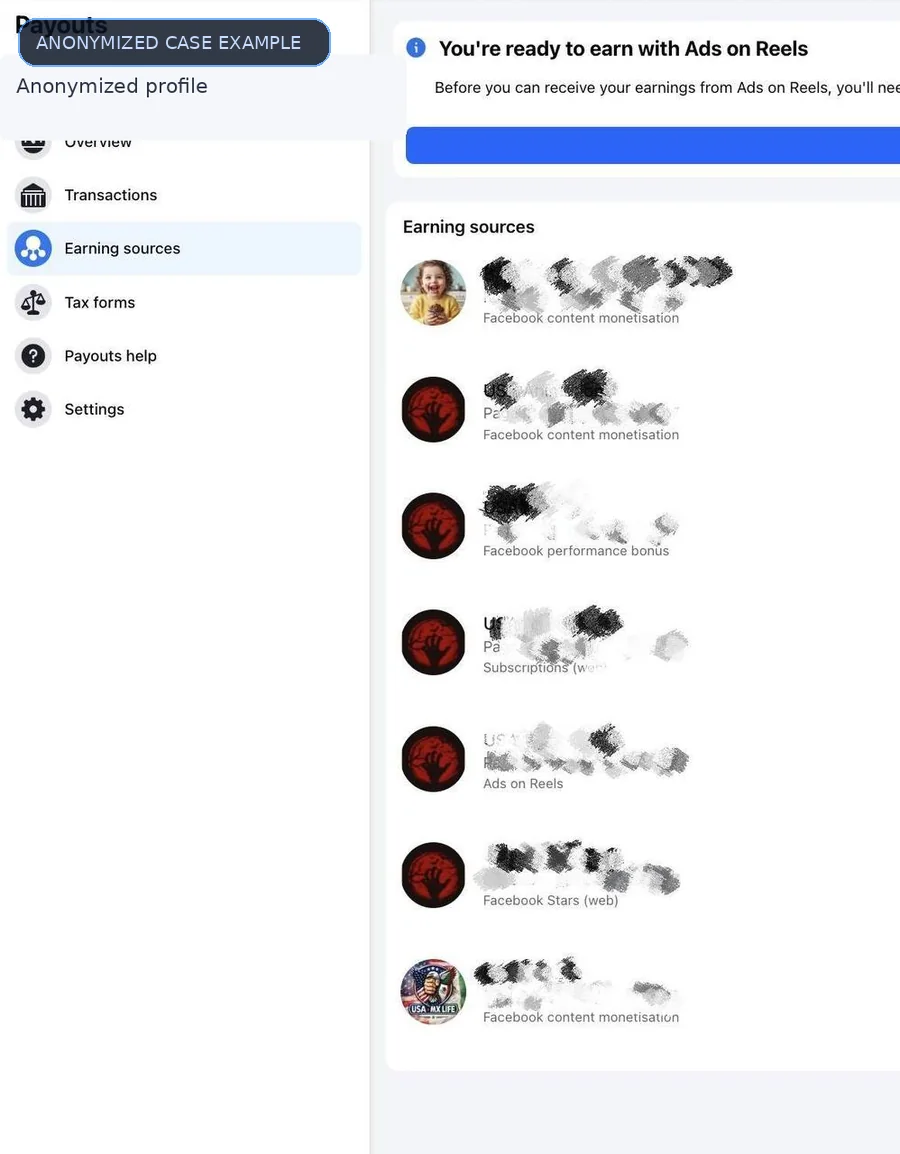
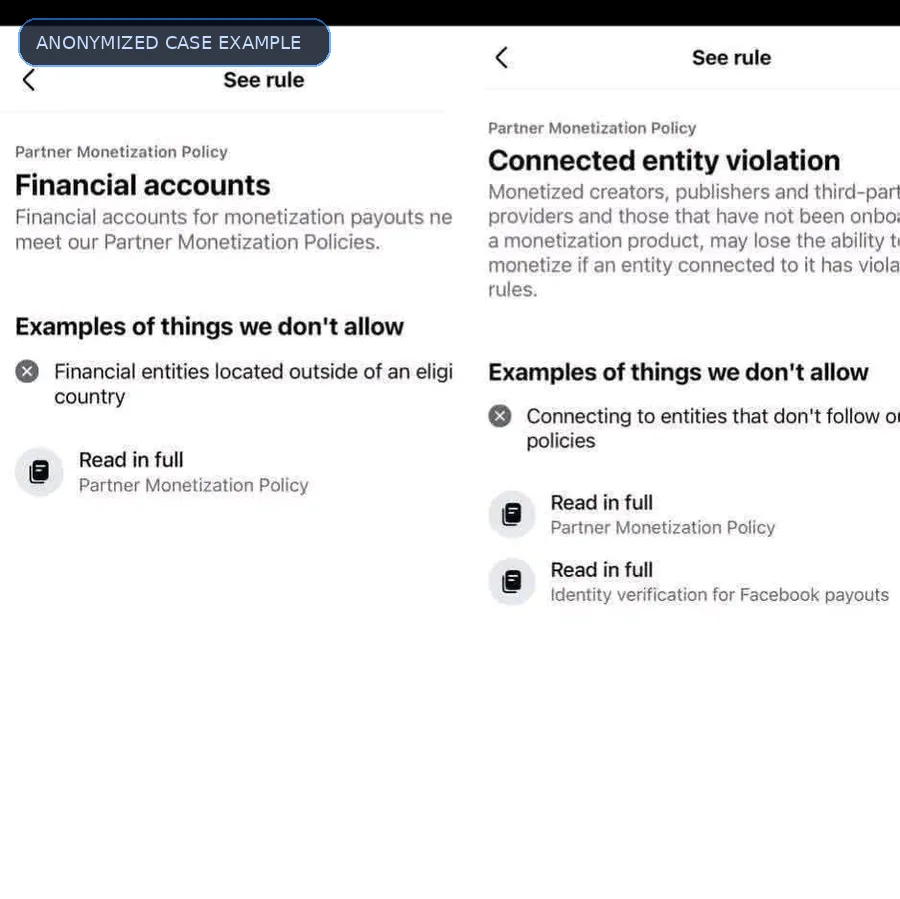
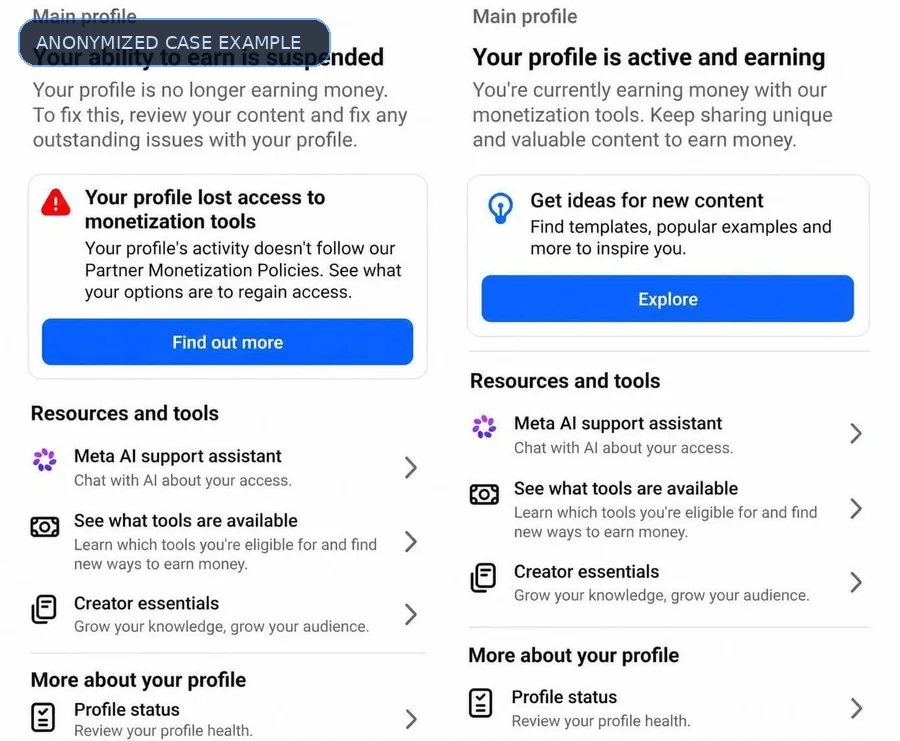
These examples show the types of screens and warnings a client may send when asking for a case review.
 Message us on Telegram
For accounts with multiple earning sources such as content monetization, Stars, bonuses, subscriptions, or Ads on Reels connected to one payout setup.
 Message us on Telegram
For cases showing financial account restrictions, eligible country concerns, connected entity warnings, or identity verification notes.
 Message us on Telegram
For users comparing a working monetization profile with another profile that lost access and needs a case review.
Use Telegram for fastest triage. For longer cases, use the case-review page and include the exact wording from the restriction screen.